
iPhone・iPad・Android の連用日記

同じ日付の、
去年の自分が並ぶ。

1日1ページの日記です。今日のページに書くと、来年の今日、その下に今年の文が並びます。5年でも10年でも、同じ日付のページに年が重なっていきます。

App Store・Google Play で配信予定

買い切りで全部の機能が使えます。月額・アプリ内課金・広告・アカウントはありません。
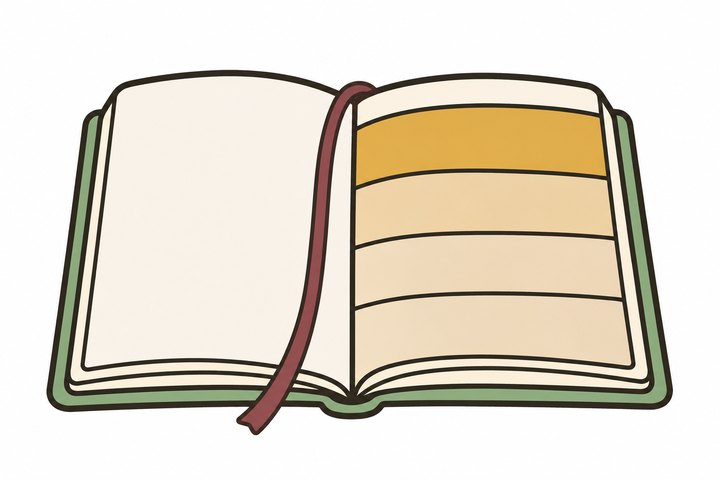
年ごとの段に分かれた日記帳と、えんじ色のしおりのひものイラスト

こんな困りごとのために

書いた日記が消えた

保存のボタンはありません。書いたそばから端末に残ります。文を全部消してしまっても、消す前の文は30日のあいだゴミ箱に残ります。

アプリが使えなくなったら?

iPhone では、年ごとの Markdown(2026.md など)を「ファイル」アプリに毎日書きます。アプリが無くても、日記はそこで読めます。

持ち出したい

Markdown と CSV で書き出せます。CSV は読みこめるので、機種変更のときに。

月額をすすめられる

買い切りです。あとから課金や広告は出ません。

去年の今日を読み返したい

今日のページの下に、同じ日付の去年・おととし…の日記が新しい年から並びます。押すと、その日のページを開けます。

夜ふかしして書く

「日付の切りかえ」を 2:00 や 4:00 にすると、その時刻までに書いた日記は前の日のページに入ります。

できること

1日1ページ上に今日の欄、下に同じ日付のほかの年。年の数に上限なし。‹ › と左右のスワイプで前後の日へ
カレンダー書いた日に印。年と月を切りかえ、日を押すとその日のページへ
検索本文の語で探す(全角と半角、大文字と小文字は区別しない)
残す年ごとの Markdown を「ファイル」アプリに毎日(iPhone・iPad)。Markdown と CSV の書き出し・CSV の読みこみ・ゴミ箱(30日)

日記はどこにある?

日記は端末の中だけに置き、開発者には届きません。写真・通知は入れていない、文だけの日記です。

Multi-year diary for iPhone, iPad and Android

Same date,
every year.

A one-page-a-day diary. Write on today's page, and next year this entry appears below on the same date. Five years or ten, the years stack up on the same page.

Coming to the App Store and Google Play

One purchase unlocks everything. No subscription, in-app purchases, ads or account.

Illustration of a diary page divided into yearly bands with a ribbon bookmark

Made for these moments

An entry disappeared

There is no Save button; what you write is kept on your device right away. Even if you delete everything, the text stays in Trash for 30 days.

What if the app stops working?

On iPhone, a Markdown file for each year (such as 2026.md) is written to the Files app every day. You can read your diary there without the app.

Take it with you

Export Markdown and CSV. Import CSV when you change phones.

Subscription nags

One purchase. No later charges or ads.

Reread last year's today

Below today's page, the same date from last year and before appears, newest first. Tap one to open that day.

Late nights

Set "Day starts at" to 2:00 or 4:00, and entries written before then go on the previous day's page.

What it does

One page a dayToday on top, the same date from other years below. No limit on years. Arrows and swipes to move between days
CalendarDays you wrote are marked. Switch years and months; tap a day to open it
SearchFind entries by word (case and full-width/half-width are ignored)
KeepYearly Markdown in the Files app every day (iPhone and iPad). Export Markdown and CSV, import CSV, Trash (30 days)

Where is my diary?

Your diary stays on your device and never reaches the developer. It is a text diary: no photos or notifications.